Combine Photos
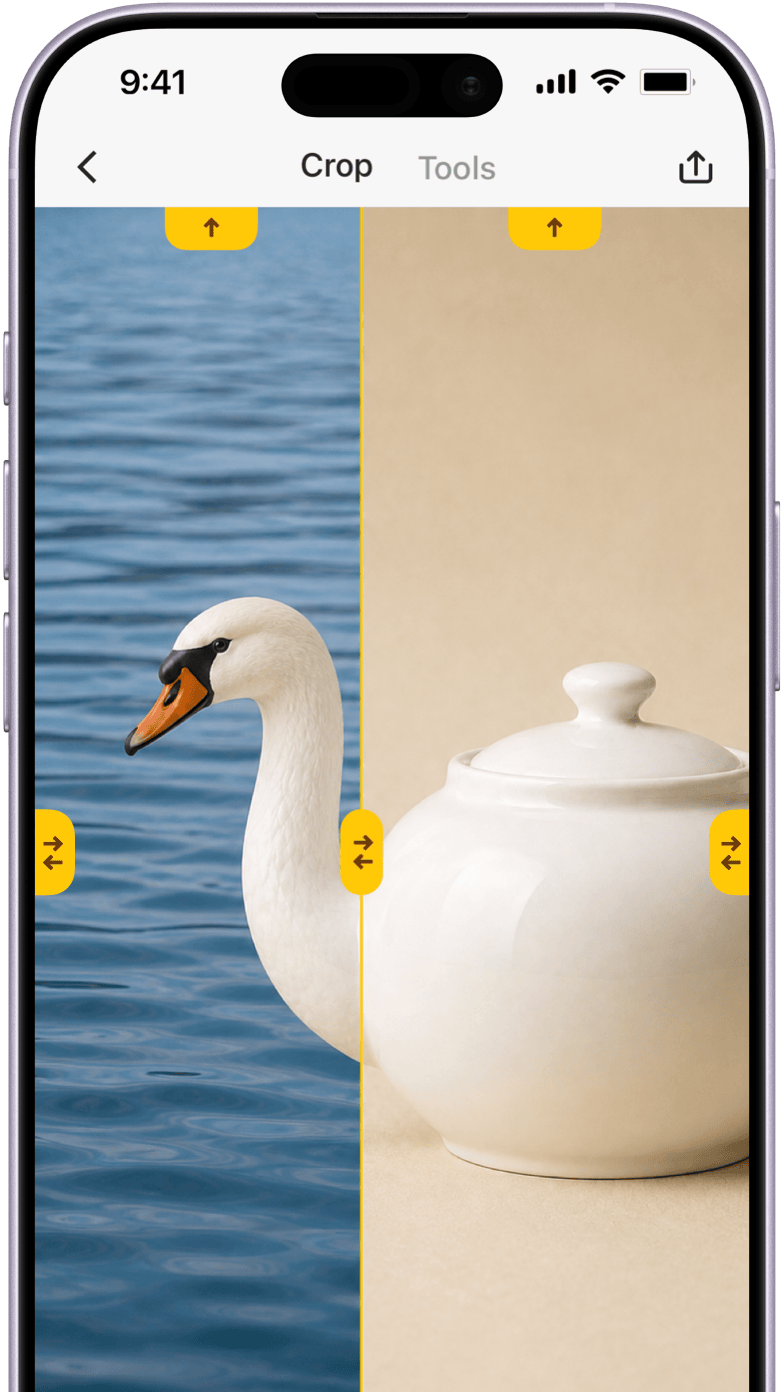
Stitch photos in high resolution without compression, vertically or horizontally. Drag joins to fine-tune them, or crop the image just the way you want.
 Picsew
Save a whole conversation or article in one image. Stitch screenshots together, or capture as you scroll. For iPhone and iPad.
 Explore the Features

Select overlapping screenshots of a chat or article. Screenshot Stitching finds the matching content and joins them into one complete scrollshot, with support for up to 300 images at once.
Capture a long chat or article without taking screenshots one by one. Turn on Scrolling Capture and scroll through the content. Picsew automatically creates one complete scrollshot, ready to save or edit.
Read the User GuideMore Features
Stitch photos in high resolution without compression, vertically or horizontally. Drag joins to fine-tune them, or crop the image just the way you want.
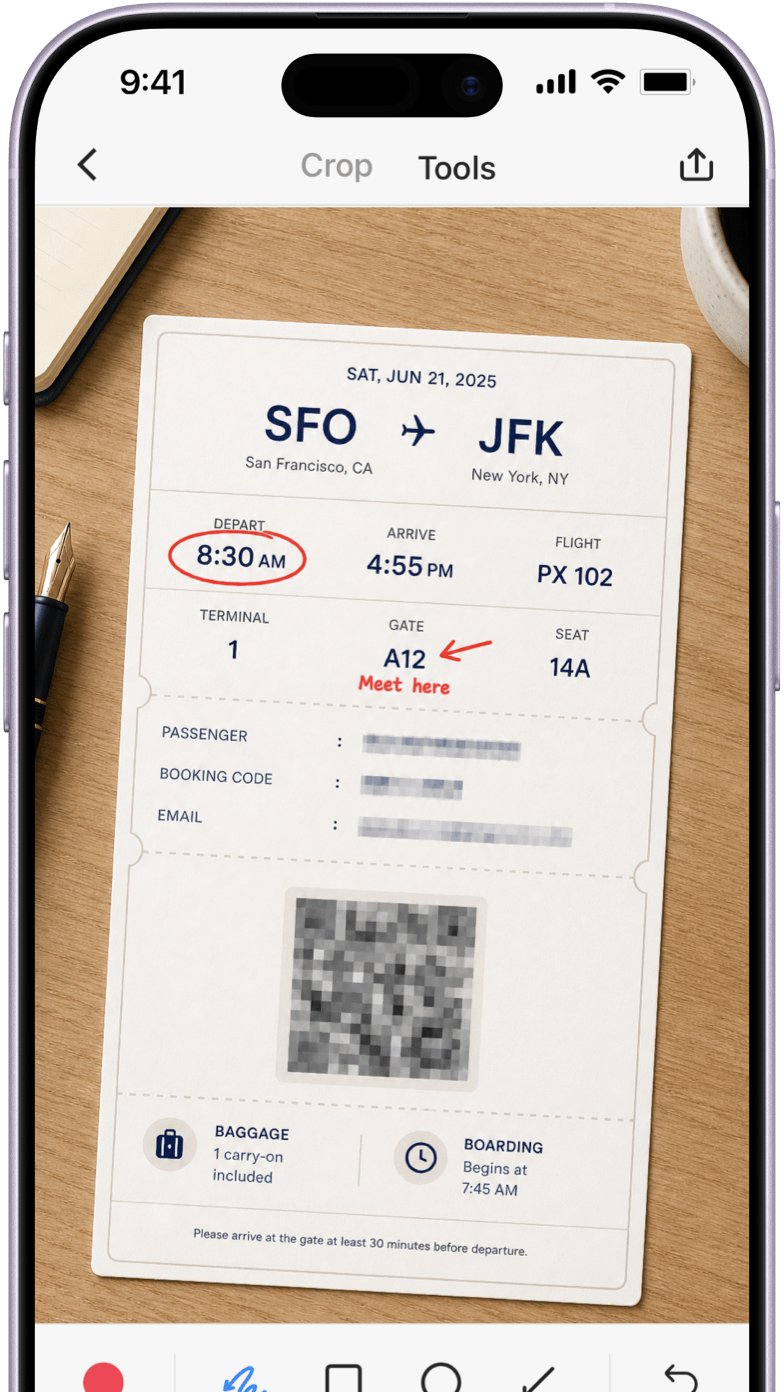
Add text and arrows to explain a detail. Hide names or account numbers before sharing, or add a watermark or device mockup.
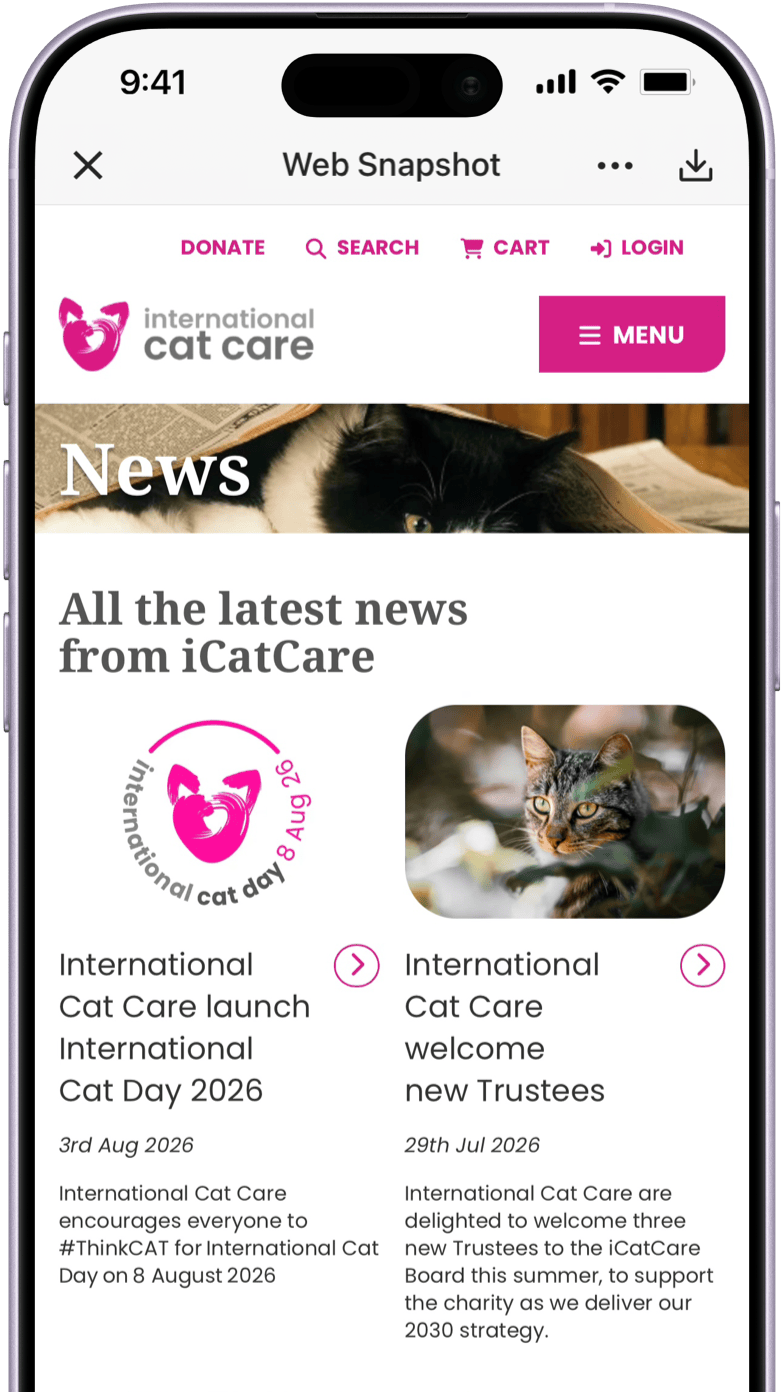
Keep a full article, recipe, or tutorial with Web Snapshot. Export a high-resolution image or PDF to read later or send to someone else.
App Store Reviews
60K+ ratings worldwide. 4.8 stars.
“Even if Apple made Scrolling Capture, it wouldn’t be as good as Picsew… It’s the most useful app on my iPhone.”
“This is what other apps should learn from. The basics are intuitive and simple, and Picsew just works.”
“I’ve used it for years. Whenever I need to stitch images, it’s the first tool I think of. Dragging adjustments is incredibly precise.”
“Picsew is the gold standard for screenshot tools, with annotation features that even outpace Apple Photos.”
In the Press
Featured by the App Store, sspai, MacStories, and Appinn.
Picsew can stitch multiple screenshots into one complete image, making chats, recipes, and long-form articles effortless to save.
 AppleApp Store
From stitching and annotation to watermarks and mockups, Picsew offers exactly the right set of tools—nothing unnecessary, yet impressively efficient.
 sspai
sspai
Picsew is a versatile screenshot and photo-stitching utility. Thoughtful touches like Scrolling Capture and App Extensions make it exceptionally useful.
 MacStoriesClub MacStories
Simple, ad-free, and manually adjustable. Chats, comments, webpages, and long articles can all become crisp, seamless images.
 Appinn
Combine screenshots of a chat or article, mark the details that matter, and hide private information before sharing.